


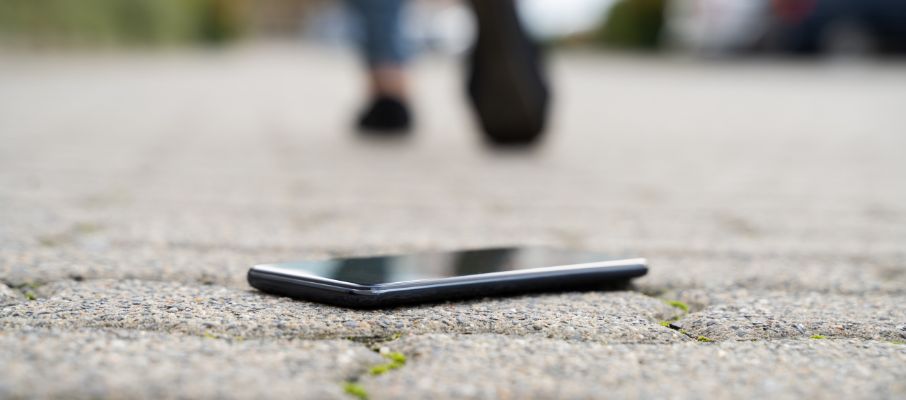
Losing your mobile phone can be distressing, but there are several steps you can take in Nepal to locate it. This guide covers proven strategies to find a lost mobile in Nepal, using essential resources like the Nepal Telecommunication Authority’s Mobile Device Management System (MDMS), local authorities, and smartphone tracking tools. Find Lost Mobile in Nepal easily.
1. Use Mobile Device Management System (MDMS)
The MDMS, managed by the Nepal Telecommunication Authority (NTA), can help track lost or stolen devices. To use MDMS:
- Register the IMEI of your lost device on the MDMS website. If your phone’s IMEI number is unknown, check your phone’s original packaging, purchase receipt, or dial *#06# on another device.
- Once registered, report the device as lost or stolen. The MDMS will blacklist the phone, disabling its network connection within Nepal, and, when located, the system can notify you through your registered details.
2. Report to the Police
Reporting your phone loss to the police is essential, as it creates an official record and improves your chances of recovery:
- Visit the nearest police station and file a report. Bring any documents related to the phone, including proof of purchase and IMEI number.
- Follow up periodically to get updates on your case. In some areas, you may also be able to file reports online.
A police report may be necessary for insurance claims, and it ensures that authorities have information to assist if the phone is found
3. Use Device Tracking Features
Most smartphones have built-in tracking capabilities:
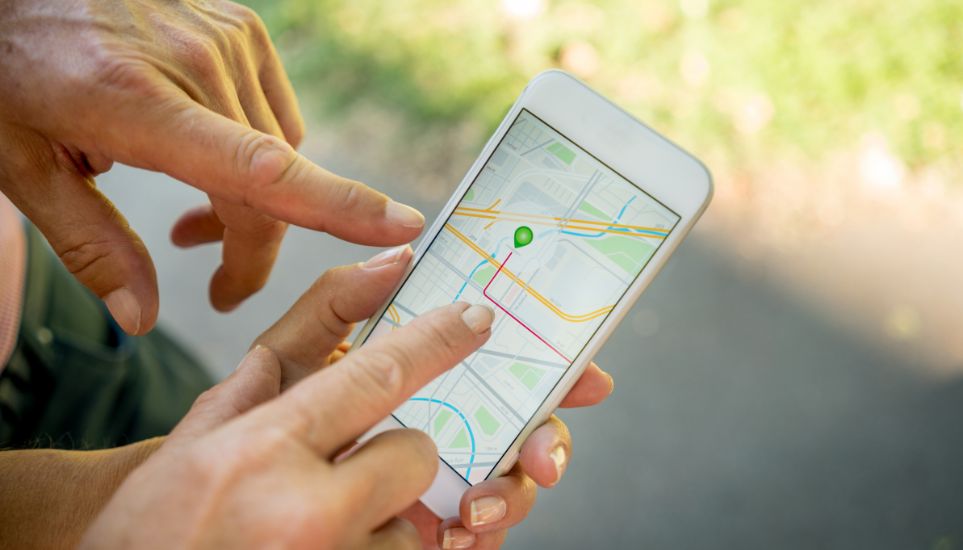
- For Android devices, use Google’s Find My Device feature, which allows you to locate your phone on a map, lock it, or erase its data remotely.
- For iPhones, use Apple’s Find My iPhone through iCloud. Like Android, it enables locking, tracking, and erasing data.
To maximize effectiveness, ensure your device’s location services and internet connection are activated
4. Contact Your Mobile Carrier
Reach out to your mobile carrier, such as Nepal Telecom, Ncell, or Smart Cell:
- Provide your name, contact details, and IMEI number to assist in locating or blocking the phone. Many carriers can disable the SIM card, making the device unusable for others.
- Carriers may assist in tracking your device by working with network providers to pinpoint the location if the phone remains active.
5. Check Local Repair Shops and Lost & Found Centers
If you’ve lost your phone within a local area, you might find it at nearby locations:
- Visit mobile repair shops, as lost devices are sometimes brought in for resale or repair. Provide details like the device model and distinctive features to help with identification.
- Check lost & found centers in your area, including government-run services, where recovered items are often reported and logged.
Conclusion
Losing a mobile phone is challenging, but by using tools like MDMS, device tracking features, police support, and assistance from your mobile carrier, you significantly increase your chances of recovery. Take action immediately by securing the device, notifying authorities, and enabling tracking features to ensure you have the best possible outcome. For more tips and solution follow us.
FAQ
How can I track my lost phone in Nepal?
-You can use the Mobile Device Management System (MDMS) managed by the Nepal Telecommunication Authority (NTA). Register your IMEI number on the MDMS website to blacklist the device and prevent it from being used in Nepal.
Should I report the loss to the police?
-Yes, it’s important to report the loss to the police. This creates an official record and increases the chances of recovery. Be sure to provide proof of purchase and the IMEI number.
How can I track my phone using built-in features?
-For Android devices, use Google’s Find My Device. For iPhones, use Apple’s Find My iPhone via iCloud. Both features allow you to track, lock, or erase your phone remotely.
Should I contact my mobile carrier?
-Yes, contact your carrier (e.g., Nepal Telecom, Ncell, Smart Cell) with your IMEI number. They can block the SIM card and may assist in locating your device.
What if I lose my phone locally?
-Check local repair shops and lost & found centers. Some devices are brought in for repair or resale, and you might find your phone there.
01 Comment
Pankaj,
11 November, 2025Very informative blog literally my mobile lost some days ago and I buy new one and see your blog and I have reported in police.